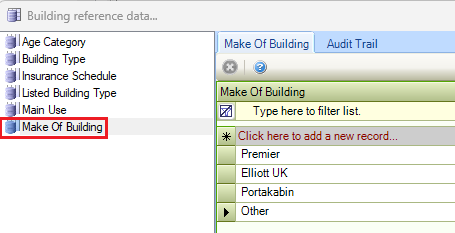
The Buildings reference data window can be accessed by navigating to Functions > Core > Reference Data > Buildings, or by clicking Manage Reference Data in the Tasks panel of a Building Record.
You must have a role with the BuildingReferenceData permission to access this window.
Refer to Managing Reference Data for further information on using reference data screens.
The following reference data is available:
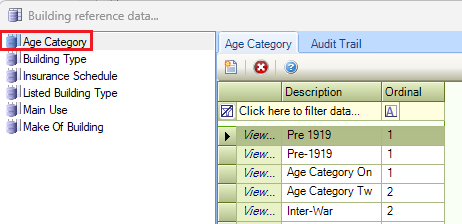
Age Category
Use this reference data to classify a building into a grouping by age (for example Pre-1919, Inter-War, 1945-1966, and so on).
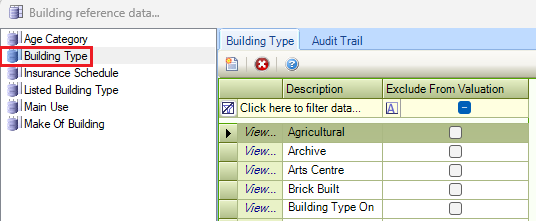
Building Type
Use this reference data to define building types (for example: office, school building, house, hotel, bike shed, and so on).
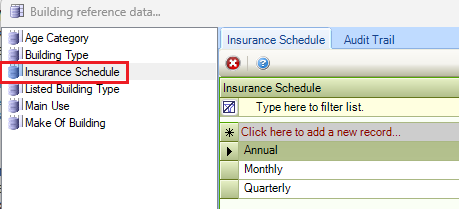
Insurance Schedule
Use this reference data to specify the frequencies for which the insurance schedule for a building is due.
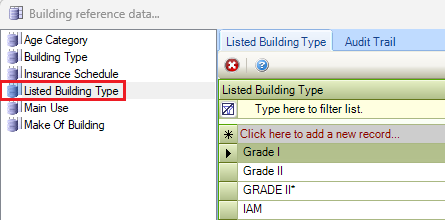
List Building Type
Use this reference data to define types of listed building grades (for example Grade I, Grade II, Grade III, Building of Local Interest, and so on).
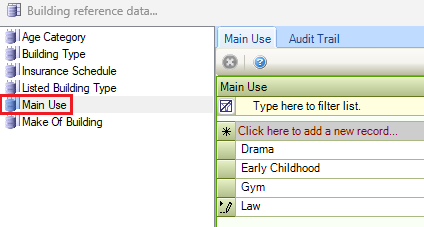
Main Use
Use this reference data to define the main purpose of buildings.
Make of Building
Use this reference data to define the makes of mobile, temporary buildings. These are typically used in schools to increase capacity.