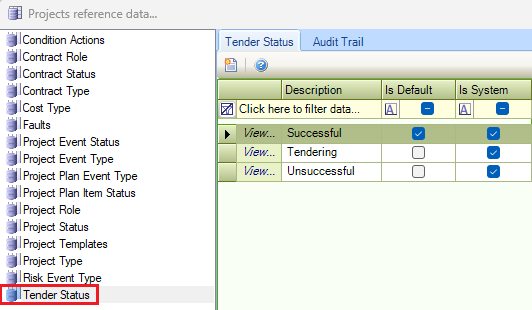
The Projects reference data window can be accessed by navigating to Maintenance > Projects > Projects, or by clicking the Manage Reference Data option in the Tasks panel of a Project Record.
You must have a role with the ProjectsReferenceData permission to access this window.
Refer to Managing Reference Data for further information on using reference data screens.
The following reference data is available:
Condition Actions
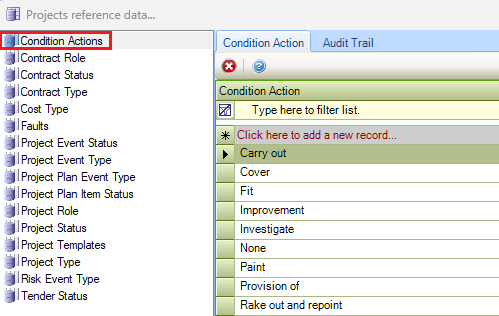
Use this reference data to record necessary condition actions on a Project Snag record (for example Repair, Remove, Replace, and so on).
Contract Role
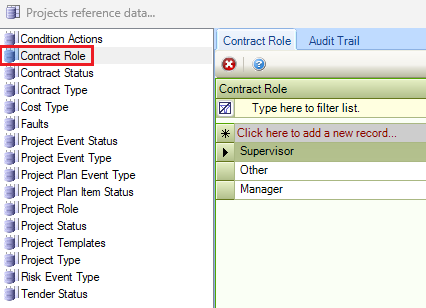
Use this reference data to define the roles of contractors added to projects (for example: supervisor).
Contract Status
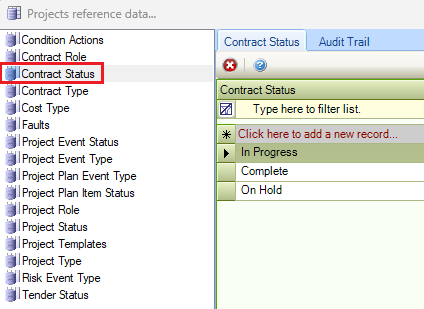
Use this reference data to define the statuses of contracts (for example, Live, Draft, and so on).
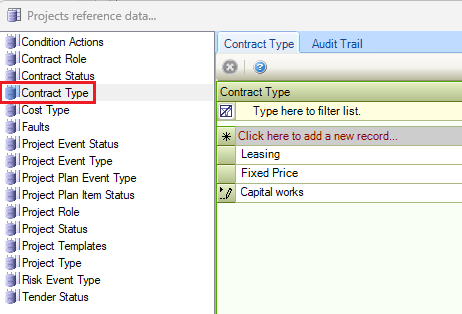
Contract Type
Use this reference data to define types of contracts (for example: Fixed fee, Leasing, Spot Contract, and so on).
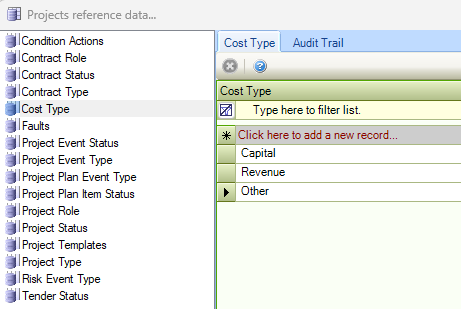
Cost Type
Use this reference data to categorise a budget by cost types.
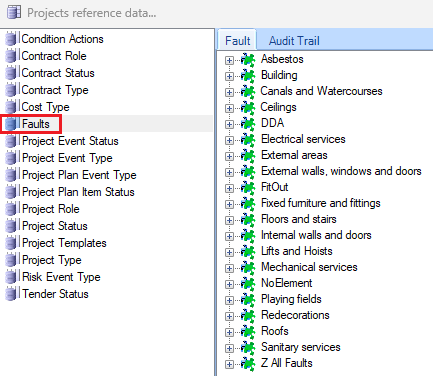
Faults
Use this reference data to describe the fault against a Project Snag record.
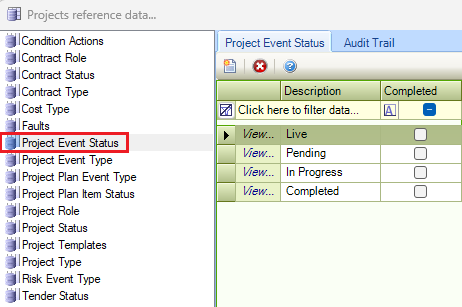
Project Event Status
Use this reference data to define the statuses of project events (for example: In progress).
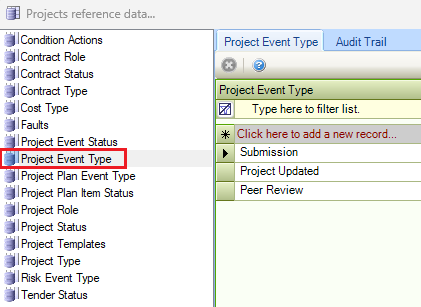
Project Event Type
Use this reference data to define event types for projects.
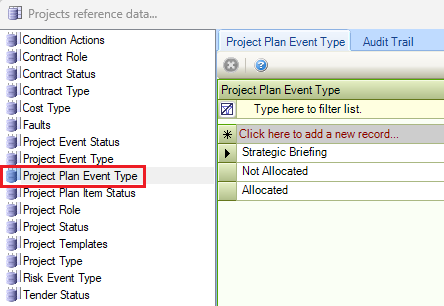
Project Plan Event Type
Use this reference data to define types of events for a project plan.
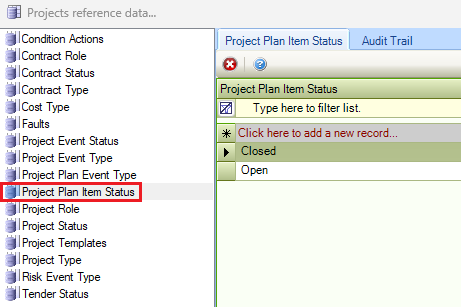
Project Plan Item Status
Use this reference data to define the status of each task for a plan item (for example: Open or Closed).
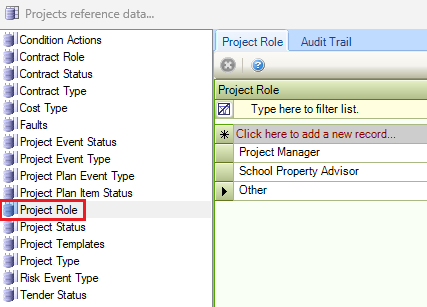
Project Role
Use this reference data to define the roles of team members that are added to a project (for example: Project Manager, School Property Advisor, and so on).
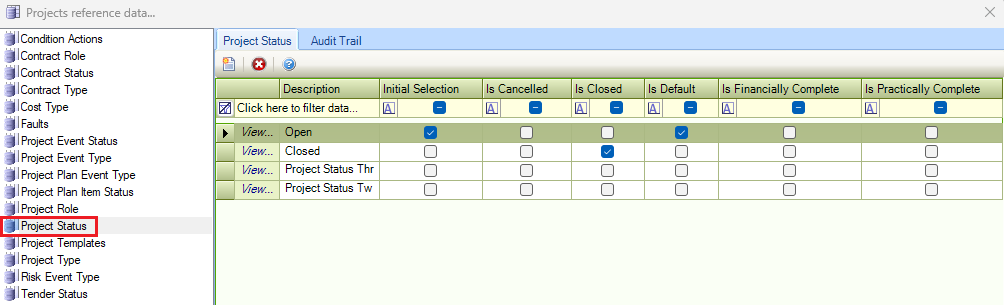
Project Status
Use this reference data to define the current state of a project (for example: Active or Closed).
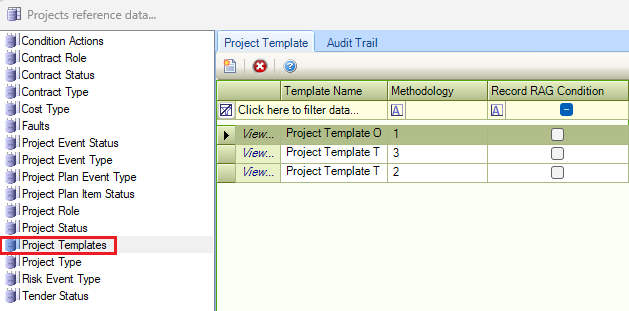
Project Templates
Use this reference data to define project templates, which can be used to pre-populate records for a newly created project.
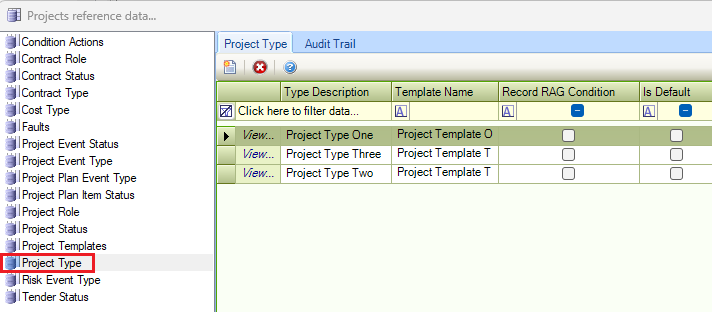
Project Type
Use this reference data to define the current type of a project (for example: New Development or Modernisation).
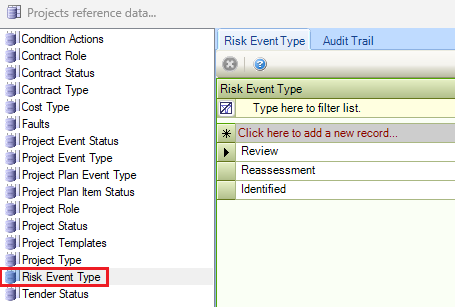
Risk Event Type
Use this reference data to define types of risk events (for example: Reassessment). This event type allows the creation of notifications that can be displayed in the calendar.
Tender Status
Use this reference data to define contract tender statuses (for example: Tendering, Successful, Unsuccessful, and so on).