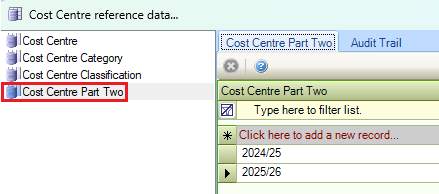
The Cost Centre reference data window can be accessed by navigating to Functions > Core > Reference Data > Cost Centre.
Refer to Managing Reference Data for further information on using reference data screens.
The following reference data is available:
Cost Centre
Use this reference data to define cost centres.
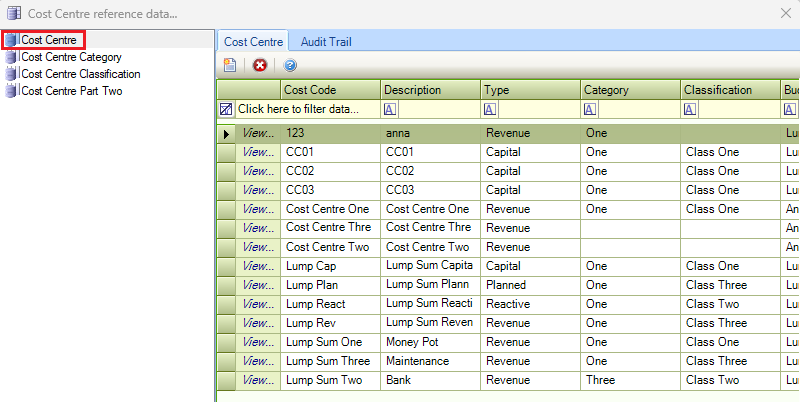
The fields in Cost Centre reference data are described in the following table.
|
This field… |
Holds this information... |
|---|---|
|
Cost Code |
The cost code. This must be unique. This field is mandatory. |
|
Description |
A description of the cost centre. This field is mandatory. |
|
Type |
The type of cost centre. This field is mandatory. Select from the following:
|
|
Category |
The cost centre category. These are defined in the Cost Centre Category reference data. |
|
Classification |
The cost centre classification. These are defined in the Cost Centre Classification reference data. |
|
Budget Type |
Whether the budget type is annual or a lump sum. This field is mandatory. |
|
Status |
Whether the cost centre is open or archived. If this is set to 'Archived', it cannot be selected in K2. This field is mandatory. |
Cost Centre Category
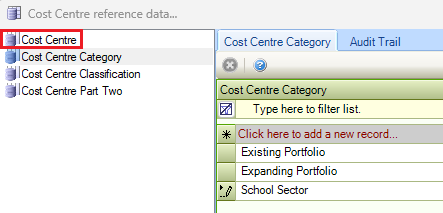
Use this reference data to define cost centre categories (for example: IT, cleaning, taxi bookings and so on).
Cost Centre Classification
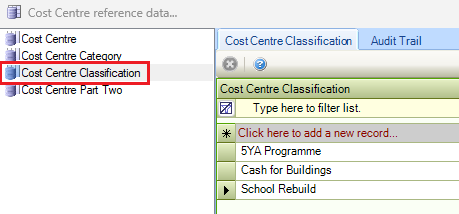
Use this reference data to define cost centre classifications. A classification is the same as a category but independent. It is used for reporting purposes (for example: a classification of hardware can be used within the category of IT for reporting purposes).
Cost Centre Part Two
Use this reference data to define a second part of a cost centre for when a cost centre is required to be split.