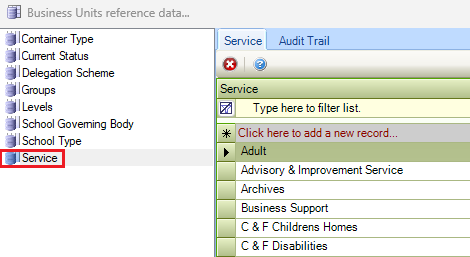
The Business Units reference data window can be accessed by navigating to Functions > Core > Reference Data > Business Units, Organisation > Business Unit > Business Unit, or by clicking Manage Reference Data in the Tasks panel of a Business Unit Record..
You must have a role with the BusinessUnitReferenceData permission to access this window
Refer to Managing Reference Data for further information on using reference data screens.
The following reference data is available:
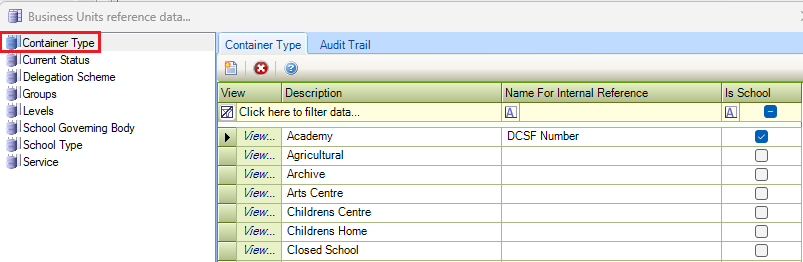
Container Type
Use this reference data to define the overall function and purpose of a business or organisation (for example, a school).
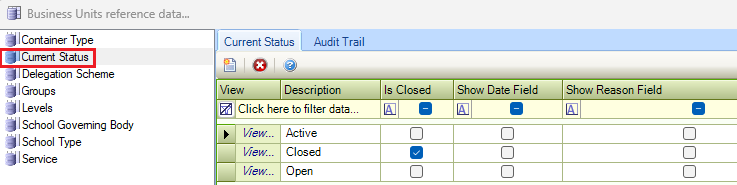
Current Status
Use this reference data to define the current statuses of business units (for example: active, open, and so on).
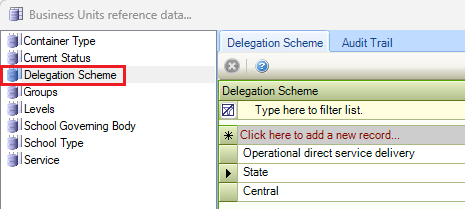
Delegation Scheme
Use this reference data to define authorities delegated to schools by the location authority.
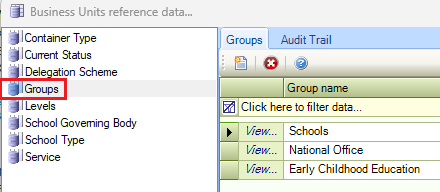
Groups
Use this reference data to define groups of business units (for example: schools).
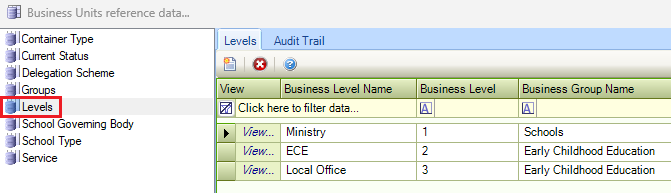
Levels
Use this reference data to name each level within the hierarchical structure of a properties portfolio.
The Name field can be populated with letters, numbers, accented characters, an underscore or a hyphen up to 50 characters.
Refer to Managing Business Units to view an example of a hierarchical structure.
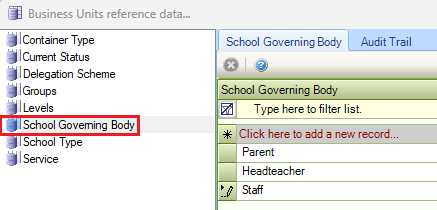
School Governing Body
Use this reference data to specify school governing bodies.
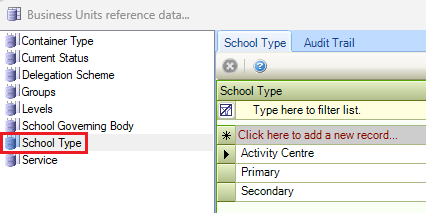
School Type
Use this reference data to define school types (for example: Primary, Secondary, Independent, and so on).
Service
Use this reference data to define services provided by the business units.